Online Typing Test
Take an online typing test in English and improve speed with long practice paragraphs, real-time accuracy and typing speed test results.
Free Online Typing Test
Practice typing, check your typing result, measure WPM and accuracy, and save certificates after login. Try English typing test, Hindi Kruti Dev typing test and Urdu typing test in one place.
Your typing test is complete. View your result now.
Practice 3-minute keyboard lessons, view score feedback, learn improvement tips, and understand certificate requirements on the tutorial page.
Typing Result helps users practice typing online and check typing speed with an instant typing result. The test measures WPM, accuracy, errors and characters per minute, making it useful for students, job aspirants, office users and regular typing practice.
Take an online typing test in English and improve speed with long practice paragraphs, real-time accuracy and typing speed test results.
Practice Hindi typing test modes including Kruti Dev typing test and Unicode Devanagari fonts for exam and office preparation.
Use Urdu typing test mode with Nastaliq font, right-to-left display and mapped keyboard input for Urdu typing practice.
Learn correct finger placement. Use the F and J key bumps to identify your home-row position.
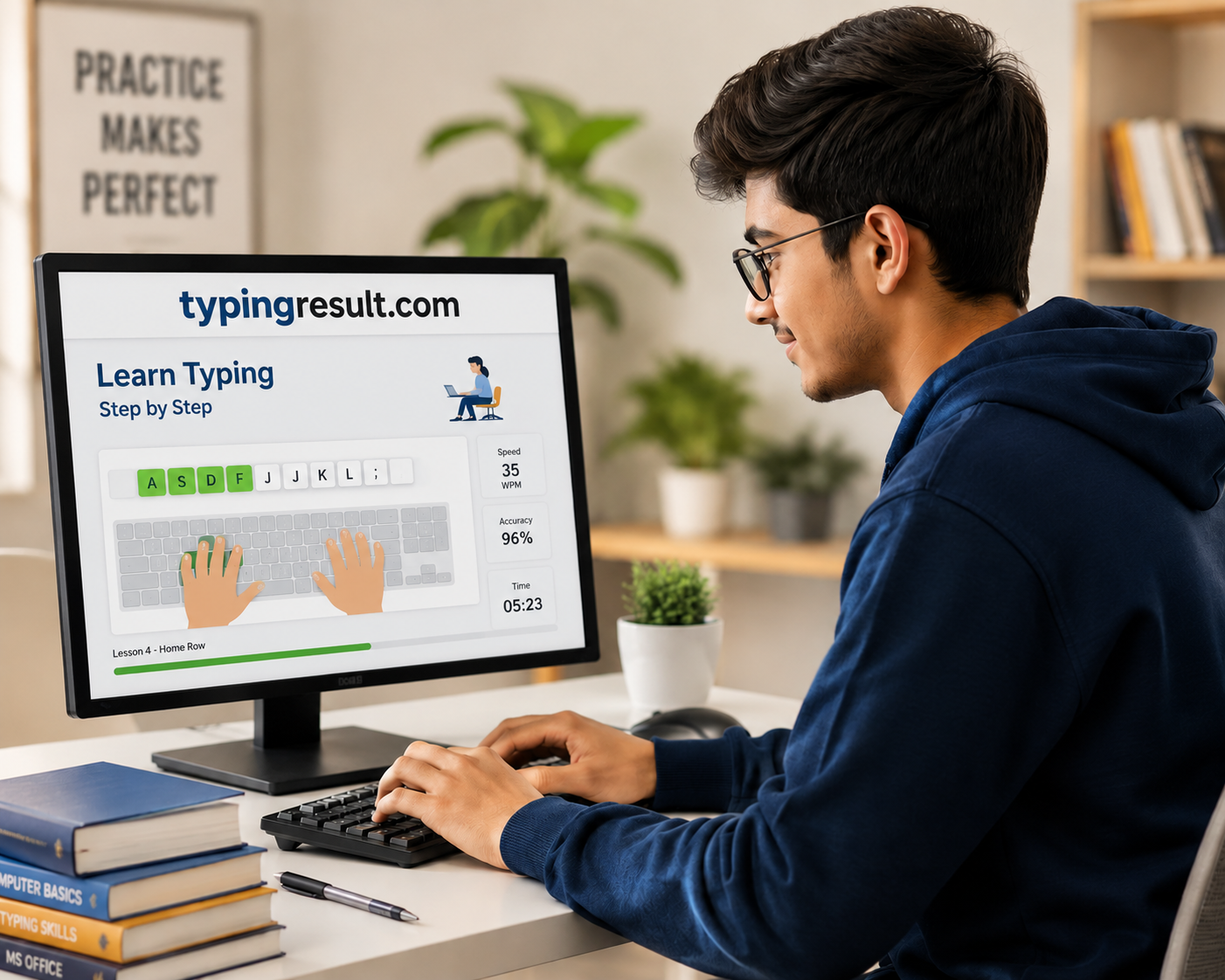
Learn touch typing step by step. Complete each lesson to unlock the next one.
Place left index on F, middle on D, ring on S, pinky on A. Feel the bump on F.
Place right index on J, middle on K, ring on L, pinky on ;. Feel the bump on J.
Practice both hands together. Always return fingers to home row after each key.
E is above D (left middle finger). I is above K (right middle finger). Reach up and return.
G is below T, above V (left index). H is below Y, above N (right index).
R is above F (left index reaches up). U is above J (right index reaches up).
T is above G (left index). Y is above H (right index). These are common letters.
W is above S (left ring finger). O is above L (right ring finger).
Q is above A (left pinky). P is above ; (right pinky). Stretch carefully.
Use corresponding fingers. Shift key for symbols. Practice ! @ # $ % ^ & * ( ).